



In-game help
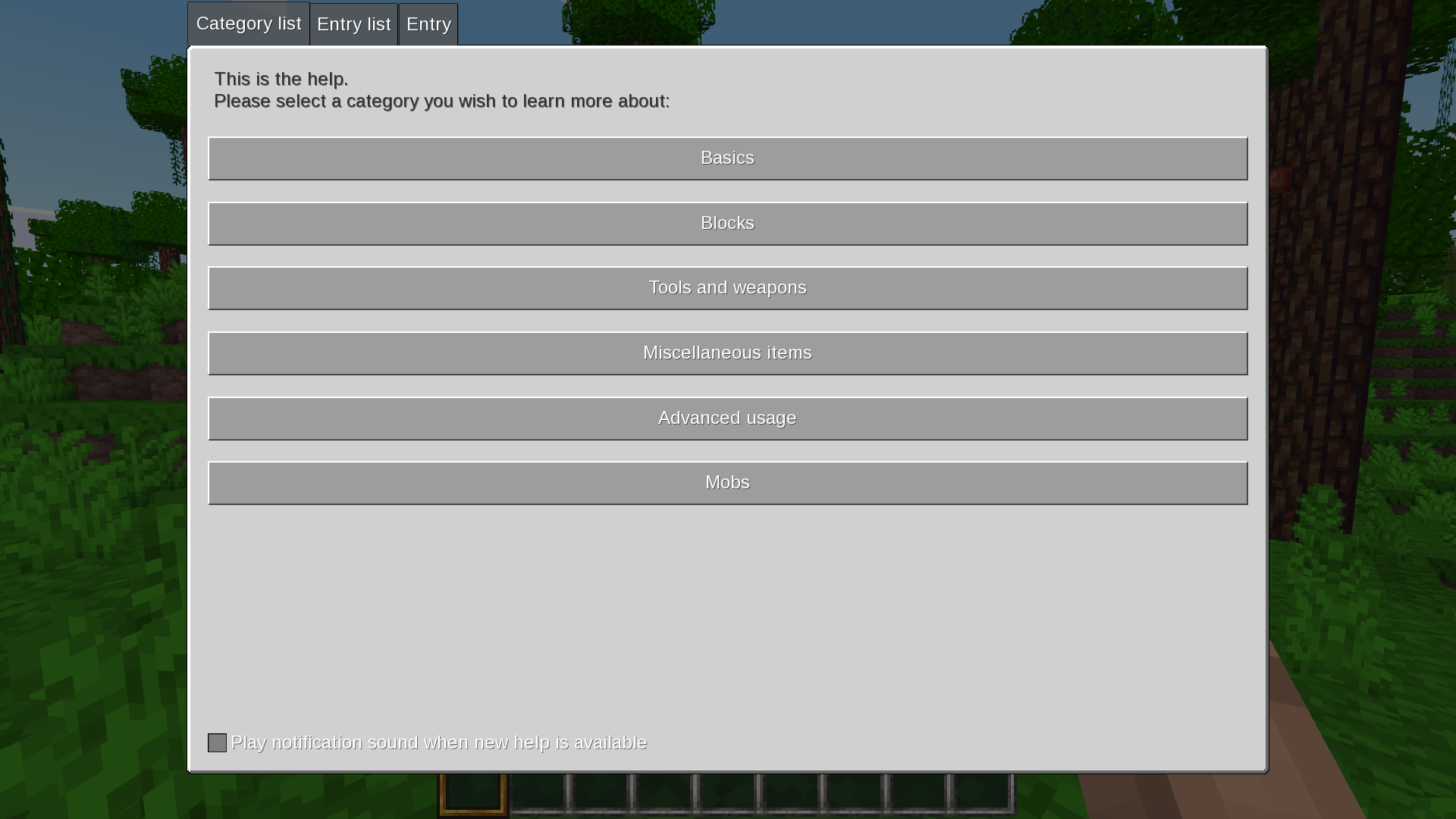
Category overview in the Help menu.
Mineclonia features an in-game documentation system that is generated automatically for all discovered content with additional translatable strings describing it. The closest Minecraft alternative to that are the Bedrock Edition How to Play guide and the Encyclopedia contained within it, the difference being that those are not generated from code.
The Mineclonia help system evolved from similar in-game help projects for other Luanti games and was introduced during Wuzzy’s maintainership of MineClone 2, meaning that it’s available in all surviving MineClone games (including VoxeLibre).
Readers should take note that this Wiki does not replace the in-game help, nor does the in-game help render this Wiki redundant; in places where this Wiki refers to Minecraft Wiki for information about shared content, the reader could just as well refer to the in-game help, although coverage of cross-game shared content may be limited. Due to its nature, the in-game help is also guaranteed to cover all content in the game world, including that from community mods, even if only partially. However, external overviews and reference articles hosted on this Wiki would be out of scope for the in-game help.
Description
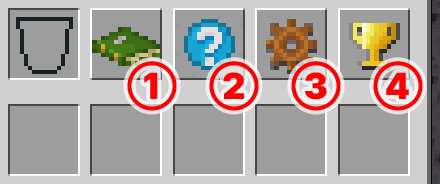
Help button (number 2 on the screenshot) in the survival inventory.
In-game help can be accessed by clicking/tapping the question mark button in the inventory menu. From there, the player is presented with a list of categories for all available articles (“entries”):
Basics (“Everything you need to know to get started with playing”)
Blocks (“Item reference of blocks and other things which are capable of occupying space”)
Tools and weapons (“Item reference of all wieldable tools and weapons”)
Miscellaneous items (“Item reference of items which are neither blocks, tools or weapons (esp. crafting items)”)
Advanced usage (“Advanced information which may be nice to know, but is not crucial to gameplay”)
Mobs (“Different Mobs”)
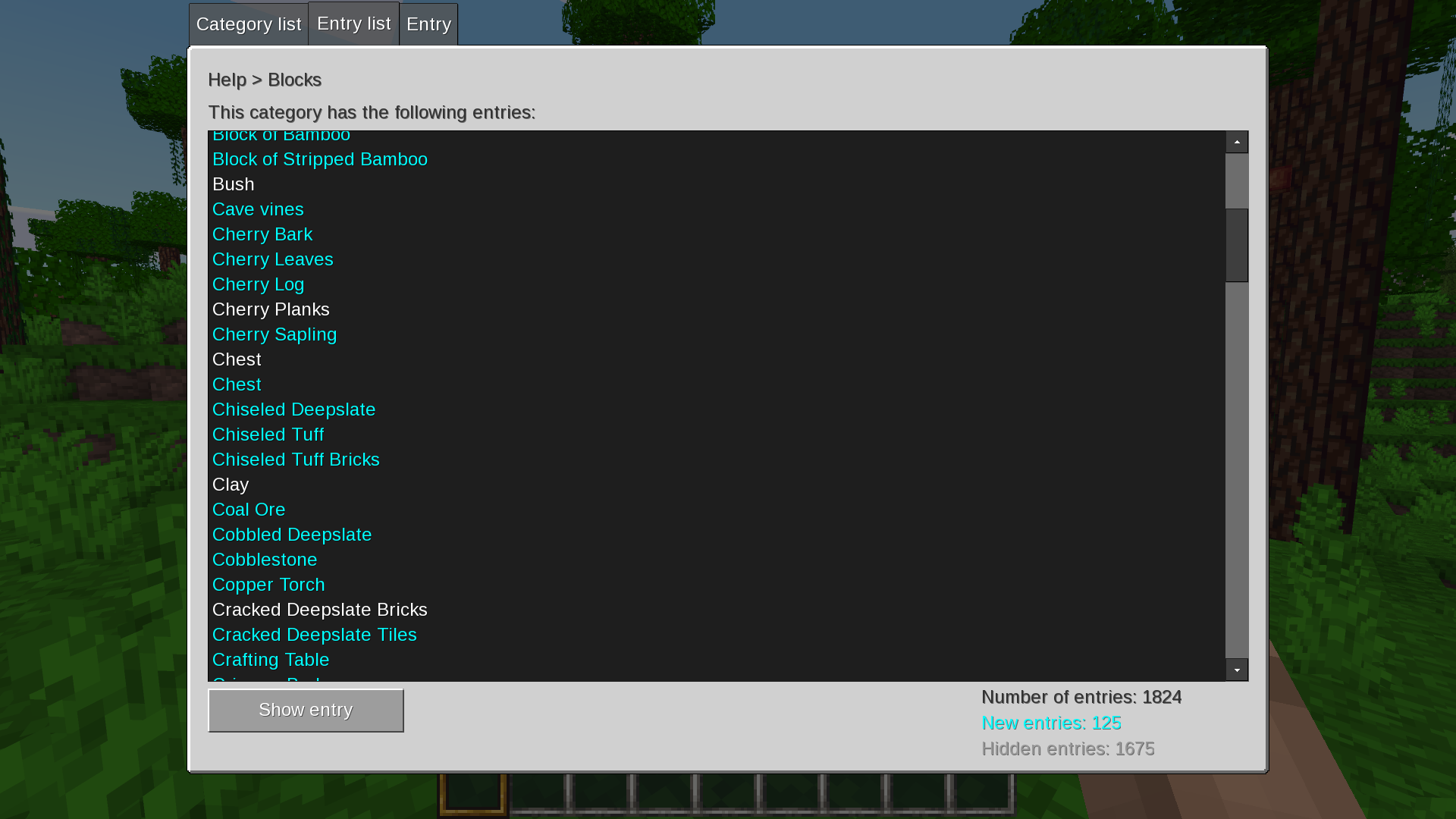
A typical entry list in the Help menu.
All articles in the Basics and Advanced usage categories are accessible from the start. Articles in other categories are linked to specific content and get revealed to the reader as they encounter it in the game. Newly revealed and unread articles are highlighted light-blue, with the labels turning white once the entry has been visited.
Readers can navigate articles in the same category from the opened entry by clicking/tapping the back/next arrow buttons at the bottom. Articles may also be navigated through the “Entry list” tab, which lists all available articles regardless of the category they’re in.
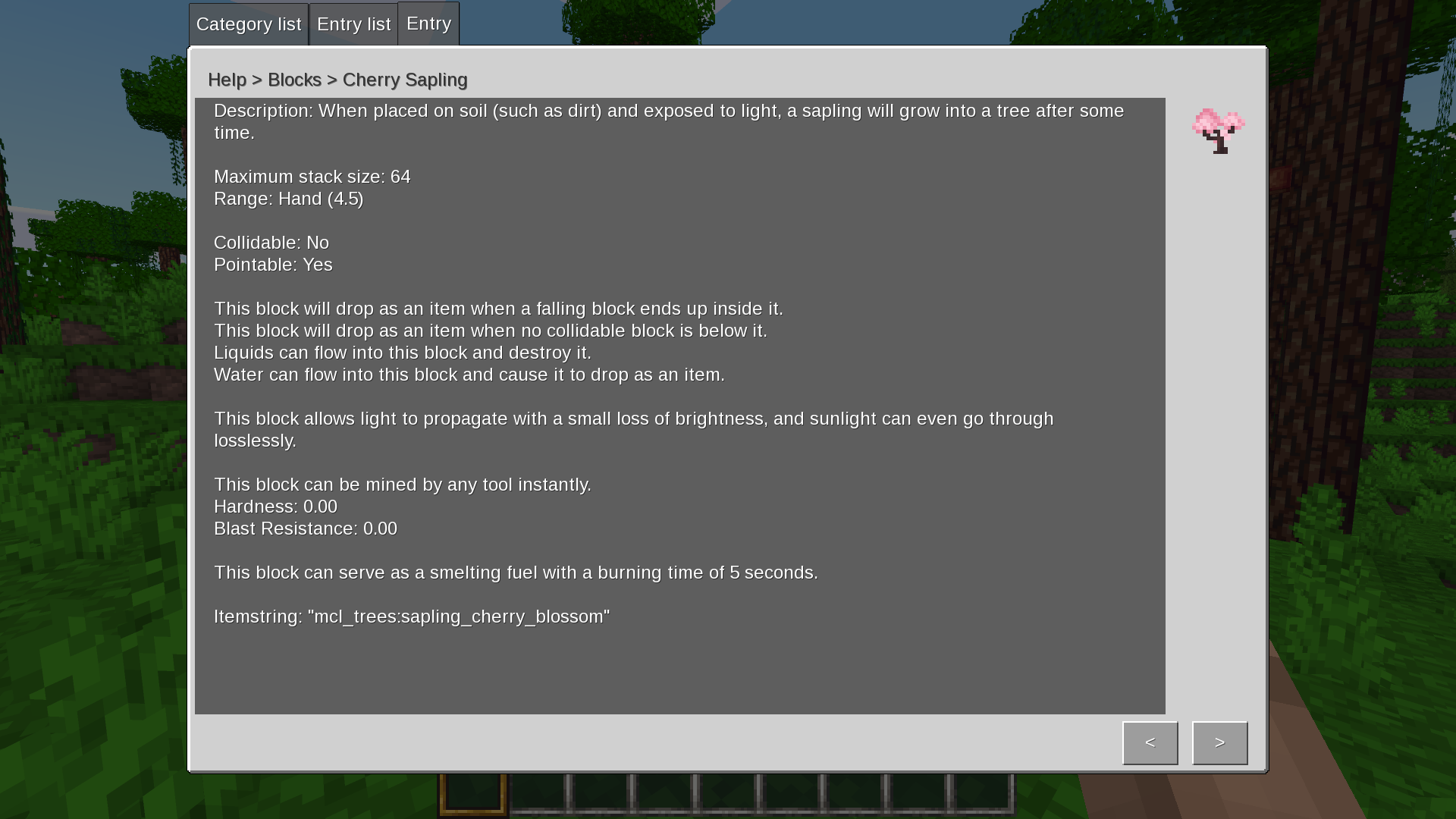
An entry opened in the Help menu.
A typical item article consists of:
A description of varied length, be it defined (e.g. “Clay is a versatile kind of earth commonly found at beaches underwater.”) or assigned automatically (e.g. “This block is a building block for creating various buildings.”);
A short list of properties parsed from its definition fields (e.g. “Maximum stack size: 64”, or “This block can be mined by:” followed by a list of tools which can mine the described block);
Its technical name, or itemstring, which is usable in commands.
Lookup Tool

Lookup Tool (solid mode).

Lookup Tool (liquid mode).
Lookup Tool is a wieldable tool with the appearance of a magnifying glass. It shows the article linked to the pointed block on Punch (left-click). Lookup Tool has 2 modes, toggled by Place (right-click):
Solid (default; when pointing at liquids will point to solid blocks behind the liquid);
Liquid (as comes from the name, will point directly at liquid blocks, allowing the wielder to read about them).
Crafting
Lookup Tool can be crafted by combining a glass block and a stick in a 1x2 pattern.