





Sphinx Preview
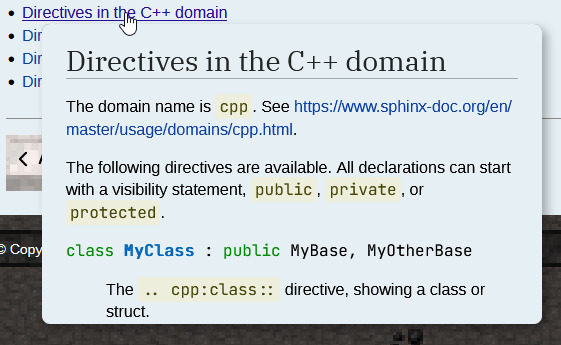
Sphinx-Preview extension in action.
Sphinx-Preview shows small previews for selectable links in HTML documents.
Sphinx-Preview does not provide any rst directives or roles, as it detects automatically all links via JavaScript. But there is a bunch of configuration options to control behavior and style.
Using Sphinx Preview with MCL Theme
In order to use the Sphinx-Preview extension, you must first install it:
pip install sphinx_preview
# or
uv add --group docs sphinx_preview
It may then be configured as per your liking. The recommended config for this theme is:
conf.py
extensions = [..., 'sphinx_preview']

preview_config = {
    'selector': ".mcl-document a.reference.internal",
    'not_selector': "figure a",
    'icon_click': False
}
More information is available on extension’s homepage.